Many of us are increasingly conscious about the germs that might be harbouring on our workstations – for good reason. Studies show the average desk is home to 400 times more bacteria than a toilet seat! Whilst this might make for grim reading, there is a remedy.
By regularly cleaning your workstation, you can maintain hygiene standards, prevent infection and reduce allergens. Whether you are hot desking or hybrid working – we hope our workstation hygiene tips will explain how to keep your space clean and maintain a pleasant work environment.
Clean Your Keyboard
Keyboards are notorious for trapping debris, food and dust, which not only makes them dirty but can also cause damage. To clean your keyboard, start by carefully turning it upside down (ideally over an open bin) and give it a gentle shake. Once all loose debris has been removed, you can use compressed air (available in most office supply shops) to remove dust between keys. Cotton buds and isopropyl alcohol can then be used to clean the keys individually.
Dust Your Monitor
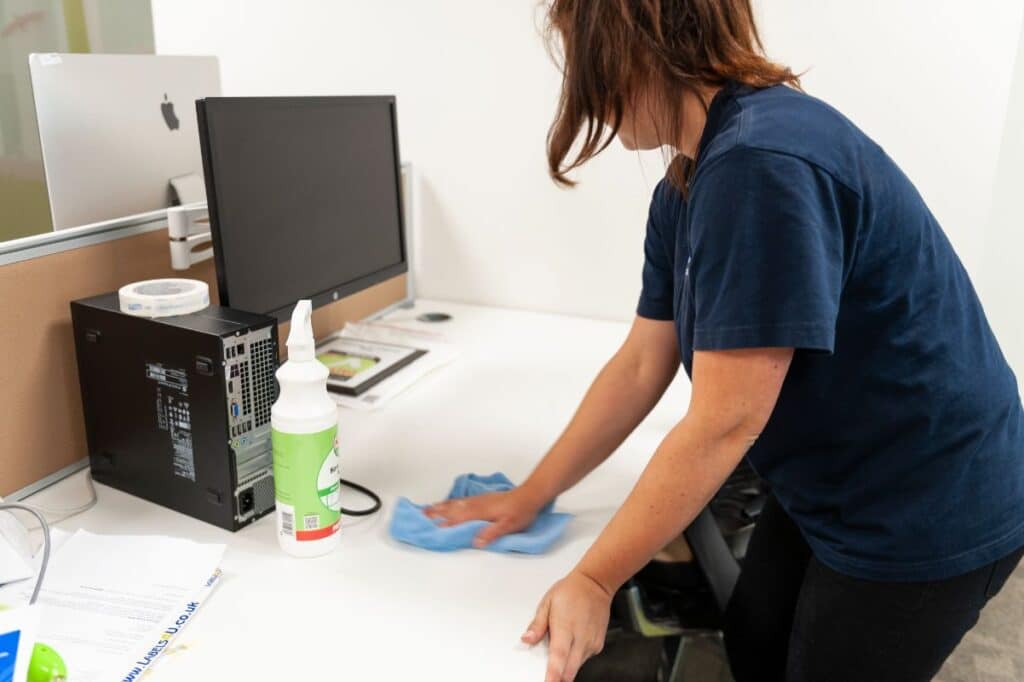
Monitors are a magnet for dust, though it’s important to avoid using harsh chemicals when swiping your screen. A microfibre cloth and warm water is all you need. Be sure to use water sparingly, without spaying it directly onto the surface, as this might do more harm than good.
Keep Your Telephone Clean
Office phones and handsets often get shared between multiple people, so it’s no surprise they can be a breeding ground for bacteria. Be sure to wipe down your phone, preferably at the end of each day, with an anti-bacterial agent.
Regularly Clear Out Your Paper Waste
You might only tackle your waste bin when it starts to overflow, but it’s also worth giving it a thorough clean now and then, as the area beneath the liner can be full of hidden hazards. Once clean, make sure it is well-dried before replacing the liner.
Invest In Organisational Products
Regularly cleaning your workstation might feel like a chore, but stocking up on helpful products like desk wipes, compressed air and microfibre cloths, means you will always have the necessary items at your convenience. Having these items to hand can help make workstation cleaning part of your normal routine in no time.
Eat Away From Your Desk
Having a break from your screen is important for many reasons, however, many of us are guilty of tucking into a deli sandwich when chasing a deadline. The trouble with this is that food often creates crumbs and sticky surfaces, meaning eating at your desk should be avoided when possible.
How to Keep Your Workstation Clean: Final Thoughts
We hope our article has given you some useful tips on how to keep your workstation clean. Remember, the team at Scott & Sons are commercial cleaning experts with plenty of experience in office cleaning. Whether it’s a one-off deep clean or regular appointments – contact our friendly team to see how we can help you today.